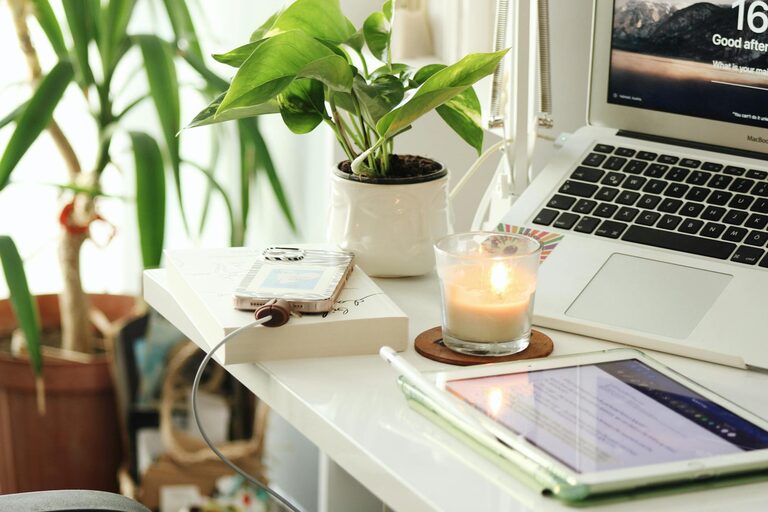
Creating a home office space that balances comfort and productivity can make a big difference in your work-from-home experience. Whether you have a dedicated room or a small corner, setting up a cozy and functional space allows you to focus better, reduce distractions, and enjoy your time working. Here are some practical tips to help you design a home office that feels inviting while boosting your efficiency.
1. Choose the Right Location
Selecting the perfect spot for your home office is the first step. Ideally, pick a quiet area with minimal foot traffic to avoid interruptions. If possible, position your desk near a window to take advantage of natural light—this can improve mood and reduce eye strain.
If space is limited, consider using a fold-out desk or a compact workstation setup. The key is to find a place where you feel comfortable and can separate work from leisure areas.
2. Invest in Comfortable Furniture
Your chair and desk play crucial roles in your comfort and productivity.
– Ergonomic Chair: Choose a chair that supports your back and promotes good posture. Adjustable height and lumbar support help keep you comfortable during long work hours.
– Desk Size: Pick a desk that fits your needs without overcrowding your space. Make sure there’s enough room for your computer, notebook, and any other tools you use regularly.
Adding a footrest or a cushion can also enhance comfort and reduce fatigue.
3. Optimize Lighting
Good lighting is essential to prevent eye strain and maintain focus. Here’s how to optimize lighting in your home office:
– Natural Light: Try to position your desk near windows but avoid glare on your screen.
– Task Lighting: Use a desk lamp with adjustable brightness for focused work.
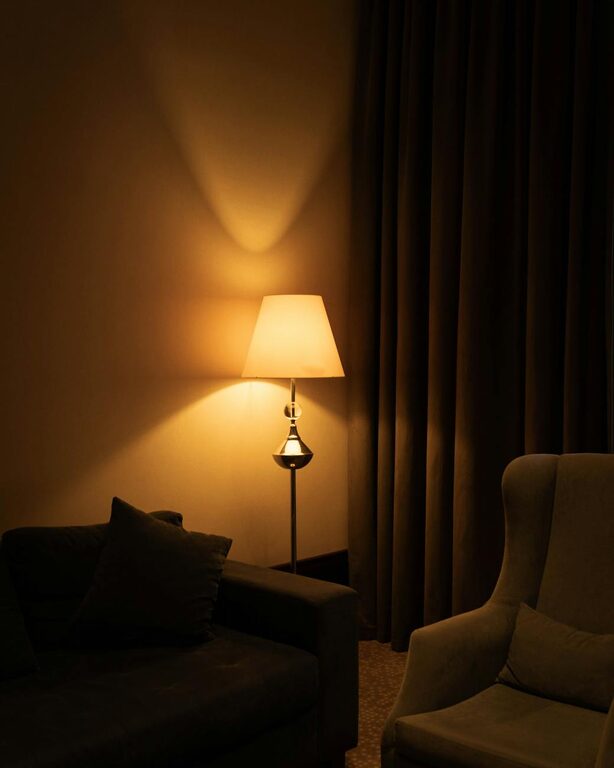
– Ambient Lighting: Soft overhead lighting helps reduce harsh shadows and creates a warm atmosphere.
Avoid working in dimly lit environments as they can cause headaches and lower productivity.
4. Organize Your Workspace
A tidy workspace helps maintain mental clarity and reduces distractions. Use storage solutions to keep your desk clutter-free:
– Shelves and Cabinets: Keep books, files, and supplies organized and within reach.
– Desk Organizers: Use trays, pen holders, and drawer dividers to manage small items.
– Cable Management: Use clips and ties to keep cords neat and prevent tangles.
Regularly declutter your space to stay organized and focused.
5. Personalize Your Space
Adding personal touches can make your office feel more inviting and inspiring:
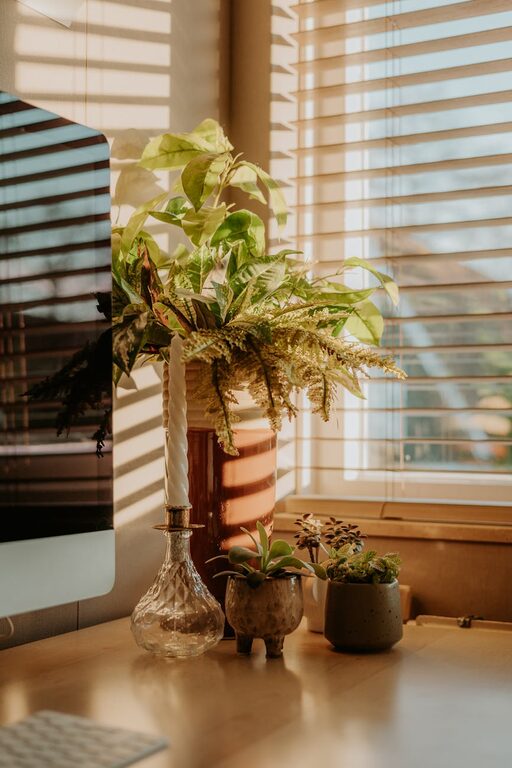
– Decor: Include artwork, plants, or photos that uplift your mood.
– Color Scheme: Choose calming colors like soft blues, greens, or neutrals to create a serene environment.
– Comfort Items: A cozy throw blanket or a favorite mug can make breaks more enjoyable.
Remember, personalization should support your productivity, so avoid overdecorating.
6. Minimize Distractions
Keeping distractions to a minimum helps you stay in the work zone:
– Noise Control: Use noise-canceling headphones or play soft instrumental music if external sounds are disruptive.
– Digital Distractions: Turn off non-essential notifications during work hours.
– Clear Boundaries: Communicate your work schedule to family or housemates to reduce interruptions.
Creating a calm and focused environment allows you to work more efficiently.
7. Incorporate Break and Movement Areas
Working for long periods without breaks can reduce productivity and cause discomfort. Plan your space to include:
– Stretch Zone: Leave room to stand up and stretch occasionally.
– Break Area: If space allows, have a small spot nearby for relaxation or a quick walk.
Taking regular breaks helps refresh your mind and avoid burnout.
8. Use Technology Wisely
Equip your home office with technology that supports your work without causing clutter:
– Reliable Internet: Ensure strong connectivity for video calls and online work.
– Essential Devices: Use a quality monitor, keyboard, and mouse to improve ergonomics and efficiency.
– Backup Solutions: Keep an external hard drive or cloud storage handy for important files.
Keeping tech organized reduces frustration and technical downtime.
—
By carefully designing your home office with these tips, you can create a cozy and productive space tailored to your needs. Remember that small adjustments over time can lead to big improvements in how you work and feel each day. Whether you’re tackling daily tasks or creative projects, a well-thought-out home office supports your best work.
About the Author