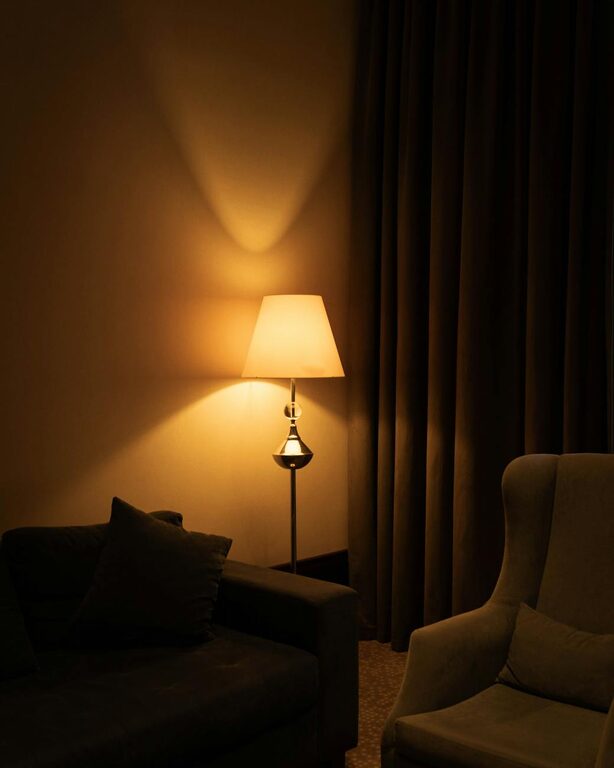

Creating a productive home workspace is essential for anyone working remotely or managing tasks from home. A well-organized and comfortable area helps improve focus, reduce stress, and maintain a healthy work-life balance. In this post, we’ll explore practical tips to help you set up a workspace that promotes productivity and comfort.
Choose the Right Location
Selecting the right spot in your home is the first step to building a productive workspace.
– Quiet and Private: Find a space with minimal distractions and noise. If possible, choose a separate room or a corner away from busy household areas.
– Natural Light: Position your workspace near a window to benefit from natural light. It can enhance mood and energy levels.
– Comfortable Temperature: Make sure the area has proper ventilation and a comfortable temperature throughout the day.
Invest in Quality Furniture
Your furniture impacts both your comfort and productivity.
Desk
– Size and Surface: Choose a desk that fits your tasks comfortably. It should have enough surface space for your computer, documents, and other essentials.
– Height: Ideally, the desk height should allow your arms to rest comfortably at a 90-degree angle when typing.
Chair
– Ergonomics: An ergonomic chair supports good posture and reduces strain. Look for adjustable height, lumbar support, and comfortable cushioning.
– Movement: A chair with wheels and swivel capabilities helps maintain mobility and flexibility during work.
Organize Your Workspace
A clutter-free environment helps keep your mind clear and focused.
– Storage Solutions: Use shelves, drawers, and organizers to keep supplies tidy and within reach.
– Cable Management: Use clips or cable ties to keep cords organized and prevent tangling.
– Daily Clean-Up: Spend a few minutes at the end of each day tidying your desk to prepare for the next work session.
Optimize Lighting
Proper lighting reduces eye strain and keeps you alert.
– Layered Lighting: Combine ambient lighting with task lighting. Use a desk lamp to illuminate your work area directly.
– Adjustable Brightness: Choose lights with adjustable brightness or color temperature to suit different times of day.
Minimize Distractions
Reducing interruptions helps maintain focus and efficiency.
– Separate Workspace: If possible, keep your workspace separate from areas used for relaxation or entertainment.
– Noise Control: Use noise-canceling headphones or play ambient sounds to block background noise.
– Turn Off Notifications: Limit digital distractions by silencing non-essential alerts on your devices during work hours.
Use Technology Wisely
Leverage technology tools to enhance productivity.
– Reliable Internet: Ensure a strong and stable internet connection to avoid interruptions.
– Productivity Apps: Use task managers, calendars, and note-taking apps to organize your work.
– Dual Monitors: If your work involves multiple documents or applications, consider using two screens for easier multitasking.
Personalize Your Space
Making your workspace inviting can improve motivation and well-being.
– Add Plants: Indoor plants can improve air quality and bring a sense of calm.
– Inspirational Items: Place meaningful photos, quotes, or artwork to create a positive environment.
– Comfort Accessories: Use cushions, wrist rests, or footrests to increase comfort throughout the day.
Establish a Routine
A structured routine helps create clear boundaries between work and personal life.
– Set Work Hours: Define and stick to specific work start and end times.
– Take Breaks: Schedule short breaks to stretch, rest your eyes, and recharge.
– Dress for Work: Wearing work-appropriate clothes can mentally prepare you for a productive day.
—
By following these tips, you can create a home workspace that supports focus, comfort, and efficiency. Remember that your workspace can evolve over time—adjust it as needed to maintain a productive and enjoyable environment. Happy working!
About the Author